Connect your account
Sign in with Discord to create your player profile. The portal requests basic identity only.
 ◉ Sign in with Discord
THE OFFICIAL PLAYER PORTAL
Register your vehicle, apply for a license, claim a business or piece of land, and keep your roleplay records together in one place.
COUNTY SERVICES
Start with a character profile, then manage the records that shape their story. Staff review submissions through the same portal.
Register a vehicle, attach photos, and keep the plate linked to your character.
Vehicle registration ↗File a parcel or property record with supporting images.
Land registration ↗Register a business, its location, and ownership details.
Business registration ↗Apply for county licenses and submit required supporting photos.
Browse licenses ↗Link your Discord account to a civilian profile and follow each submission.
Set up your profile ↗A LOOK INSIDE
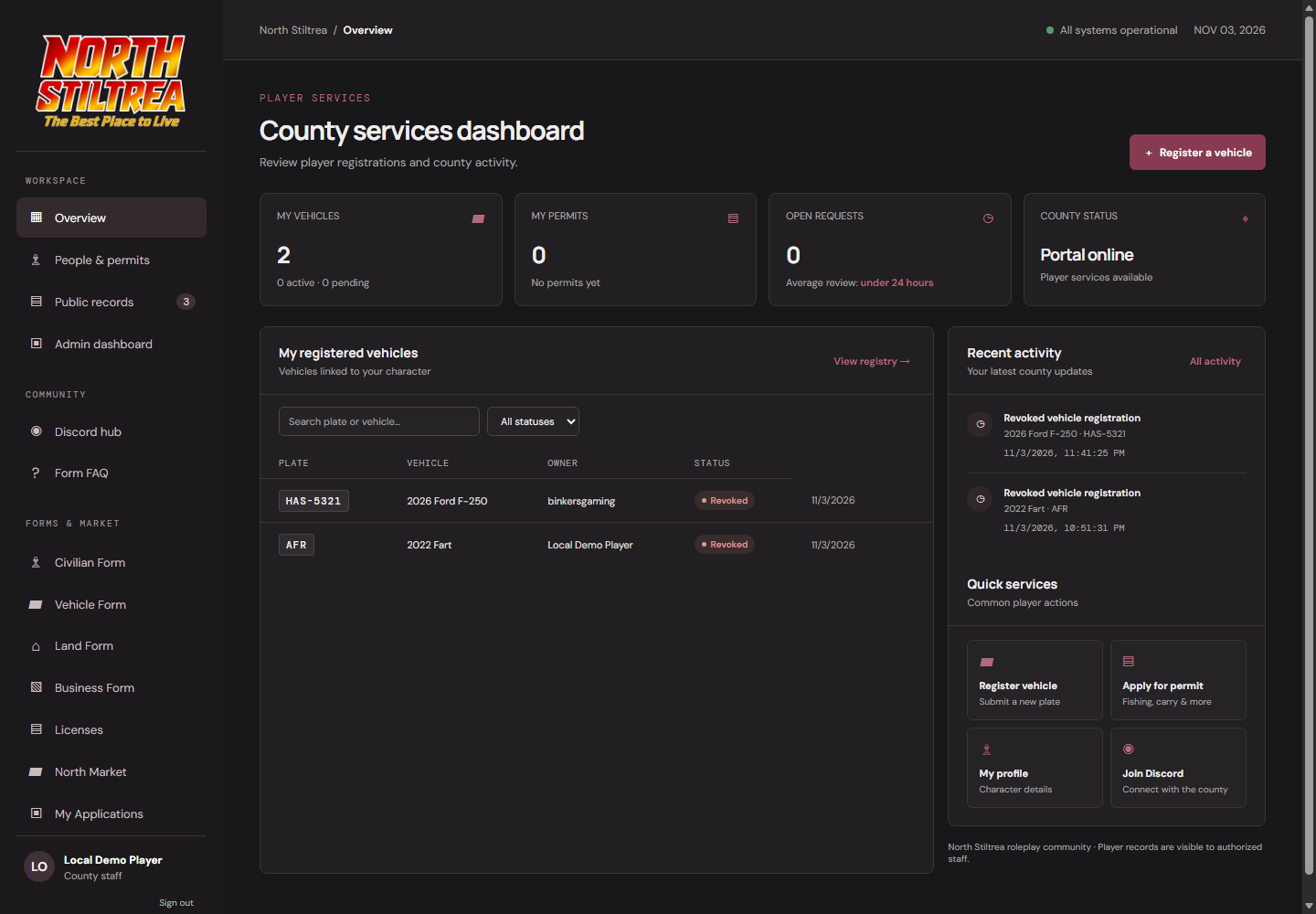
Players can manage records in the portal, attach vehicle transaction proof, and follow staff decisions in the review dashboard.
Vehicles, registrations, and county services in one dashboard.
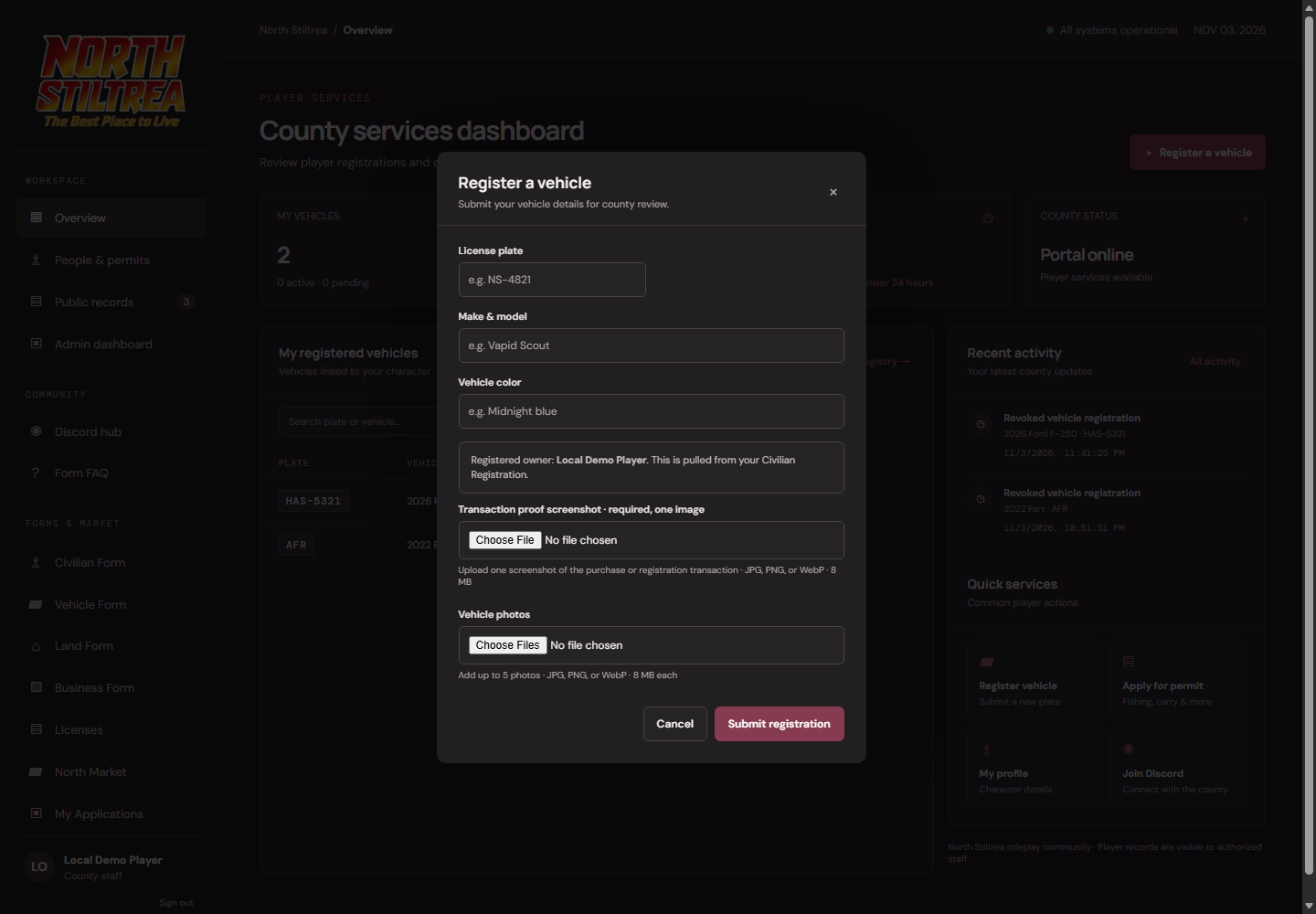
Attach the required transaction screenshot with your registration.
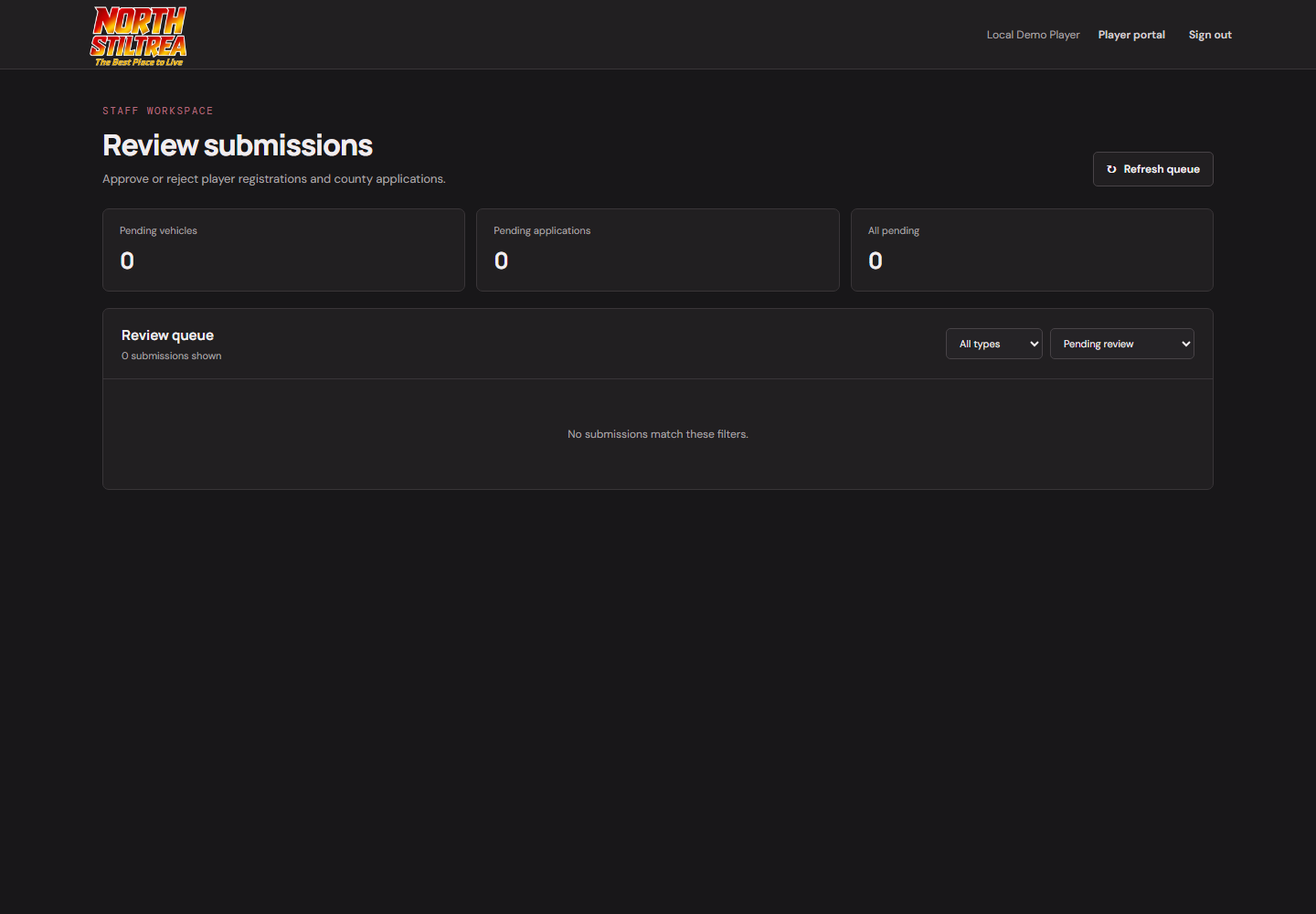
Authorized staff can review submissions and update county records.
STRAIGHTFORWARD BY DESIGN
Your Discord account identifies your player profile. Registrations and images stay in the portal for you and authorized staff.
Sign in to get started ↗Sign in with Discord to create your player profile. The portal requests basic identity only.
Choose a registration, enter your character details, and attach images where required.
Check your registrations and registered vehicles. Staff decisions update your records.
PLAYER-TO-PLAYER
List an approved vehicle with an asking price. Buyers can request it, and the registered seller decides whether to accept. Accepting transfers the registration to the buyer.
Visit Market ↗
REGISTRATION FAQ
Registrations are submitted through the player portal or the community bot. You can track portal submissions from My Registrations.
Vehicle registrations require one transaction proof screenshot and accept up to five vehicle photos. Business, land, and license registrations require a JPG, PNG, or WebP image. Each image can be up to 8 MB.
Only approved registered vehicles can be listed. The buyer sends a request; the seller must accept before the registration transfers.
Yes. The community bot supports vehicle registration, county registrations, registration tracking, and vehicle sale actions.
Uploaded record images are restricted to the account that submitted them and authorized county staff.
WELCOME TO NORTH STILTREA